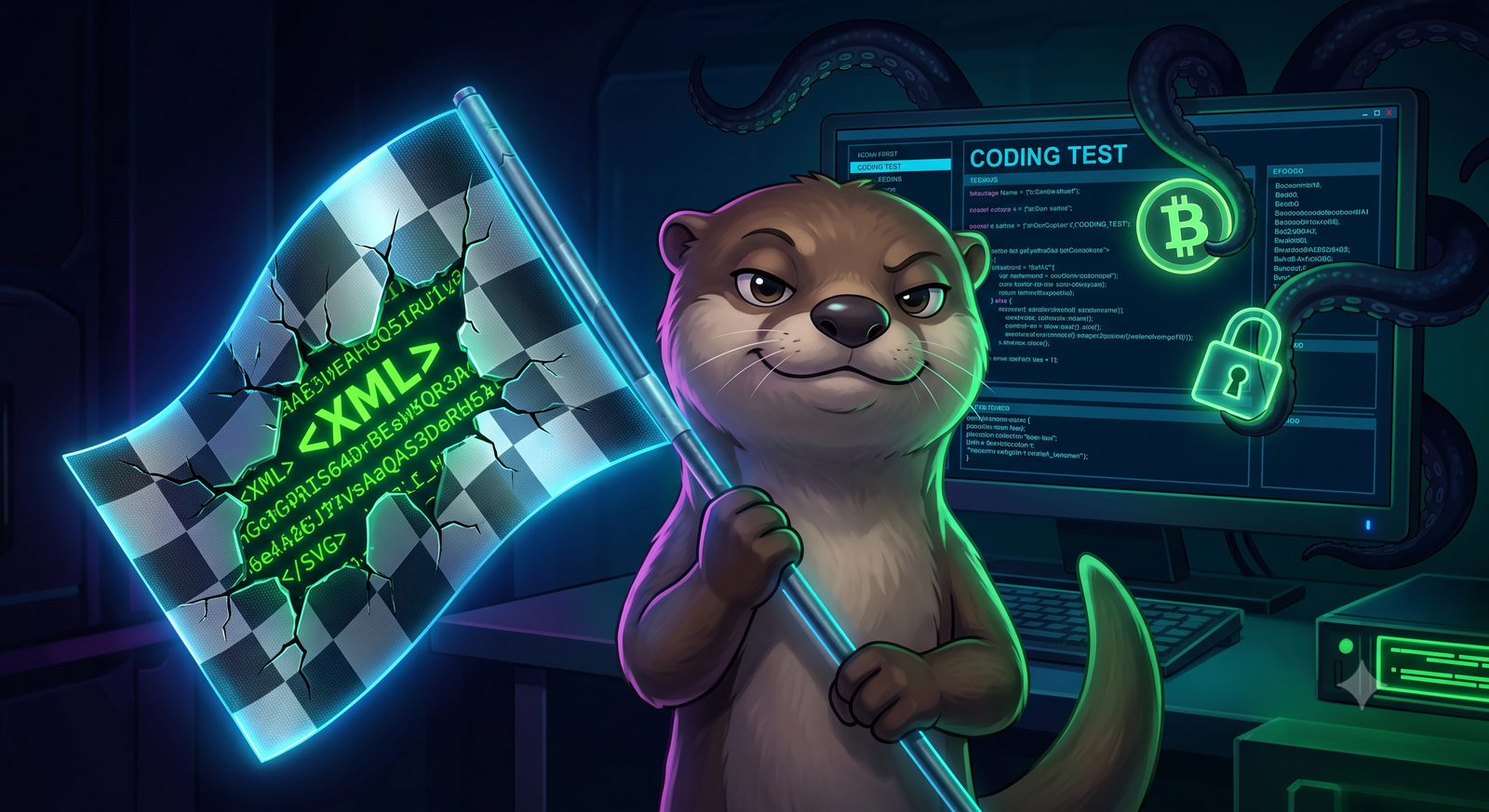
Imagine opening a harmless‑looking SVG flag image that was attached to a coding challenge you found on a job board. You click, the image renders perfectly, but hidden inside that vector graphic is a malicious payload that can steal your browser passwords, crypto wallets, and even your personal files. This isn’t a sci‑fi plot twist—it’s a real‑world campaign that researchers have linked to North Korean threat actors operating under the codename Contagious Interview. The attackers are using steganography inside SVG flag images to deliver a sophisticated, four‑stage malware family called OTTERCOOKIE. In this post, I’ll walk you through how this attack works, why SVG steganography is so sneaky, and what you can do to stay safe.
What Is OTTERCOOKIE and Why It Matters
OTTERCOOKIE isn’t just another generic trojan; it’s a modular, multi‑purpose malware suite that has been observed stealing three main types of data:
- Browser credentials – usernames, passwords, session cookies from Chrome, Edge, Firefox, and other popular browsers.
- Cryptocurrency wallets – private keys, seed phrases, and API tokens used by wallets like MetaMask, Trust Wallet, and hardware wallet backup files.
- Files and documents – documents, spreadsheets, and other valuable files from the victim’s file system.
The name OTTERCOOKIE comes from the malware’s internal code‑name, which references the “otter” mascot used by a popular open‑source project. By piggybacking on a trusted community symbol, the attackers increase the likelihood that a victim will trust the SVG file and execute the hidden code.
The Rise of Fake Coding Tests as Attack Vectors
In recent years, recruiters and tech companies have turned to online coding challenges to screen candidates. Unfortunately, that trend has also given cybercriminals a new playground. The Contagious Interview campaign publishes fake job postings on well‑known platforms, promising lucrative positions that require you to complete a short coding test. The test is packaged as a .zip file that contains a simple project, a README.md, and the “flag” SVG image that supposedly proves you’ve solved the challenge.
When a curious applicant extracts the archive and runs the provided script (often a node or python file), the script silently loads the SVG image. Because the image is a vector graphic, it can be rendered without any external binaries, making the malicious step appear completely benign.
Steganography in SVG Files – The Technical Trick
Scalable Vector Graphics (SVG) are XML‑based files that describe shapes, colors, and text using plain text tags. This structure makes them ideal for hiding data in several ways:
- Unused XML attributes – attackers can add custom attributes that are ignored by browsers but parsed by a malicious script.
- Base64‑encoded payloads – a
data:URI can embed a large blob of code directly inside an<image>tag. - Comment sections – XML comments can hold chunks of encrypted shellcode without affecting rendering.
In the OTTERCOOKIE campaign, the malicious payload is split into several small pieces and stored across these hidden fields. When the victim’s script loads the SVG, it parses the XML, reassembles the fragments, decodes them, and finally executes the resulting JavaScript or PowerShell code. Because the payload never touches the file system as a separate executable, many traditional antivirus engines miss it.
Four‑Stage Payload Delivery Explained
The attack chain can be broken down into four distinct stages, each designed to evade detection and maximize the attacker’s reach:
- Initial loader – The supplied
run.jsscript loads the SVG, extracts the hidden base64 strings, and creates aBlobobject that runs in memory. - Secondary downloader – Once the loader is active, it contacts a hard‑coded C2 server (often a fast‑flux domain) to fetch a second‑stage binary that contains the core OTOTCOOKIE modules.
- Credential & wallet stealer – The core module enumerates installed browsers, extracts saved passwords and cookies, and searches for wallet files (e.g.,
keystorefiles for Ethereum). All data is encrypted with a unique AES key before exfiltration. - File exfiltration & cleanup – Finally, the malware zips selected user directories (Documents, Downloads, .ssh) and uploads them to the same C2. It then removes temporary files and attempts to hide its processes using rootkit‑style techniques.
Because each stage is delivered over HTTPS and the code is executed in memory, traditional signature‑based defenses struggle to spot it. The use of SVG steganography also means that email filters that block executable attachments will let the .svg file through without raising any red flags.
Detecting and Defending Against SVG Malware
So, how can you protect yourself and your organization from this clever vector?
- Validate the source – Never download coding test files from unverified recruiters or anonymous forums. Verify the posting through official channels.
- Scan SVGs with specialized tools – Traditional AV may miss hidden payloads, but tools like
svgcheck,exiftool, or custom YARA rules can flag unusual attributes, large base64 blobs, or suspicious comments. - Use sandbox environments – Run any downloaded scripts or code samples in an isolated VM or container before executing them on a production machine.
- Restrict script execution – Browser extensions that block inline scripts (e.g., NoScript) and OS policies that prevent unsigned scripts from running can stop the loader from executing.
- Monitor network traffic – Look for outbound HTTPS requests to newly‑registered domains or fast‑flux IP ranges, especially from machines that haven’t previously communicated with those endpoints.
- Educate candidates – If you’re a recruiter, add a warning to job postings that any coding challenge will be delivered via a secure platform, not via email attachments.
Implementing a layered defense—people, process, and technology—greatly reduces the chance that a hidden SVG payload will make it past the perimeter.
Broader Implications for the Cybersecurity Community
The use of SVG steganography in a state‑backed campaign highlights a few emerging trends:
- Weaponizing everyday file formats – As security tools get better at spotting malicious binaries, attackers gravitate toward innocuous formats like SVG, PDF, or even Excel macros that can hide code.
- Social engineering through career pipelines – Targeting job seekers is a low‑cost, high‑reward strategy. The victims are often eager, tech‑savvy, and may have privileged access once hired.
- Cross‑border attribution challenges – While the campaign is linked to North Korean actors, the infrastructure is deliberately obfuscated, making attribution and takedown more difficult.
- Need for better open‑source hygiene – Many open‑source projects host SVG assets for branding. Maintaining a clean supply chain and scanning assets before release becomes essential.
For security researchers, this campaign is a reminder to expand our detection rule sets beyond traditional file types and to keep an eye on emerging steganographic techniques. For developers, it underscores the importance of validating third‑party assets before embedding them in applications.
Conclusion – Stay Curious, Stay Secure
Fake coding tests, SVG steganography, and the OTTERCOOKIE malware family form a perfect storm that can silently compromise even the most security‑aware individuals. By understanding how the attack chain works—from the hidden XML attributes to the four‑stage payload—you can spot the warning signs early and apply practical defenses. Remember, the best protection is a mix of skepticism (especially when a “too‑good‑to‑be‑true” job offer lands in your inbox) and proactive security hygiene (sandboxing, scanning, and network monitoring). Stay curious, keep learning, and don’t let a cute otter mascot trick you into handing over your credentials.
Original article: Read More Here
About the Author